LinkedIn Outreach SOP for NDIS Referral Partners
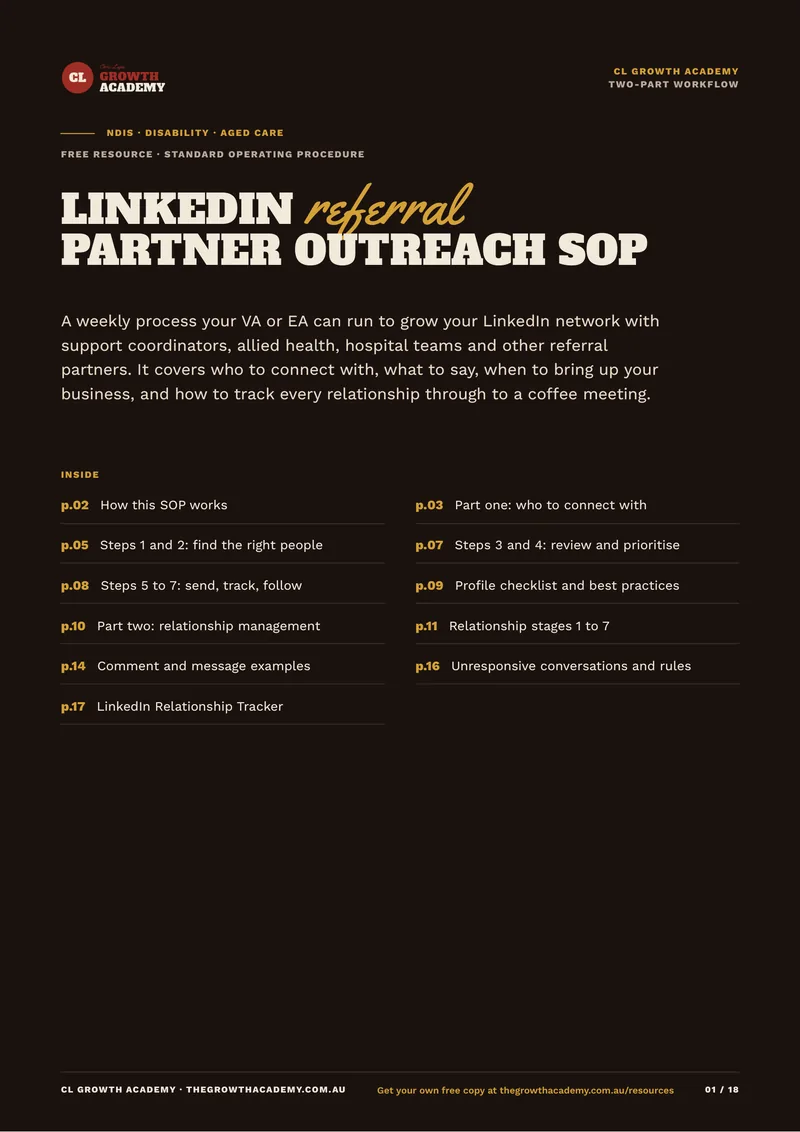
The LinkedIn Referral Partner Outreach SOP is a weekly process your VA or EA runs on your personal profile. It covers who to connect with, what to say, when to mention your business and how to track each support coordinator, allied health and hospital contact through to a coffee meeting. You approve every message.
How do I get referrals from support coordinators?
Short answer: make your name familiar before you ask for anything. Connect with support coordinators in your regions from your personal profile, engage with their posts for one to two weeks, start a conversation with a genuine reason, then invite them to a coffee. Mention your service only when it fits what they have shared.
The NDIA counted 792,304 participants with approved NDIS plans at 30 September 2026 (NDIS Quarterly Report, Q1 2026-27 (opens in a new tab)). Support coordinators refer to providers they know and trust, and the SOP below is how your assistant builds that, one relationship at a time: seven weekly steps to find and connect with the right people, then seven stages from an accepted connection to a coffee meeting.
What is the LinkedIn referral partner outreach SOP?
Two connected processes. Part one finds the right people and sends connection requests. Part two turns accepted connections into conversations, coffee meetings and, over time, referral partners. Your assistant does the daily work, and you approve anything that could affect a relationship.
| Who | What they do |
|---|---|
| You, the owner | Set the target regions and audiences, approve messages, replies and meeting invitations, go to the meetings |
| Your VA or EA | Find and check contacts, engage with their posts, draft every message in your voice, keep the tracker up to date, flag meeting opportunities |
Always approved by you before sending: first messages, replies, follow-ups, meeting invitations and requests for an email address.
What are the weekly steps?
Seven steps, run every week from your personal profile. Your business page stays out of it.
| Step | What your assistant does |
|---|---|
| 1 Source | Finds people through a contact-sourcing tool, LinkedIn search, mutual connections, and groups and events |
| 2 Identify | Keeps the roles that refer to you: support coordinators, discharge planners, hospital social workers, OTs, plan managers |
| 3 Review | Checks six things on each profile: current role, organisation, location, referral relevance, activity, mutual connections |
| 4 Prioritise | Marks each contact High, Medium or Low before sending |
| 5 Send | Sends the request with a short note about their role or work, never your services |
| 6 Track | Adds the contact to the tracker straight away, status Pending |
| 7 Monitor | Moves accepted connections to Part two, and waits before sending a message |
Finding the people is half the job. As I told one provider's team: "It's equally important to find the people and hit the connections, but then it's what we do after."
What happens after someone accepts?
They move through seven relationship stages. The early stages build familiarity, so your first message reads as a conversation with someone they already recognise.
| Stage | What happens |
|---|---|
| 1 Connection accepted | Review their role, organisation, recent posts and mutual connections. No message yet |
| 2 Build familiarity (1 to 2 weeks) | Like and comment on their posts, congratulate milestones |
| 3 Start a conversation (2 to 3 weeks) | A first message with a genuine reason: a recent post, new role or event |
| 4 Build rapport | Learn about their work and the people they support |
| 5 Spot a meeting opportunity | They reply consistently and there is interest on both sides |
| 6 Arrange the meeting | Invite them to a coffee, in person or virtual, and ask for their email |
| 7 Keep the relationship going | Keep engaging after the meeting |
What do the messages look like?
The SOP has a message library for every stage. A few examples from it. Your assistant personalises each one before it goes out.
Connection request to a support coordinator:
- "Hi Sarah, I came across your profile while connecting with Support Coordinators in [Region]. It would be great to connect and follow your work in the sector."
Comment that builds familiarity:
- "This is an important point, especially as participants often need support across several services. Are you seeing stronger collaboration between providers in your area?"
First message, once they know your name:
- "Hi James, thanks for connecting. I noticed your work in hospital discharge planning and your focus on continuity of support. How does your team usually plan for that transition?"
Meeting invitation:
- "It sounds like our teams support a lot of the same people. Would you be open to a short virtual coffee to get to know each other's work a little better? What is the best email address for the calendar invitation?"
The library also covers conversation replies, light follow-ups, how to mention your business when it fits the conversation, and what to send after the meeting.
What if someone stops replying?
The SOP has three rules for it.
- No reply to the first message: send no more messages. Keep engaging with their posts and wait for a genuine reason.
- They reply, then stop: wait 5 to 10 days, then send one light follow-up tied to something new, like a recent post.
- No reply after that: mark them Passive in the tracker and stay visible through their content only.
Can AI run this for me?
Run it by hand first. Doing it yourself shows you which contacts are worth the effort, which messages get replies and where your judgement is needed. Once the process works, AI can help with admin: suggesting contacts, summarising a profile, drafting options for your assistant to review and flagging follow-ups.
AI never sends a request or message without a person reviewing it, never invents personal details, and never decides a relationship is ready for a meeting. LinkedIn restricts accounts that look automated, so a person sends every message.
How do I use the SOP?
Three set-up steps before week one, then the same routine every week.
- Write in your target regions.
- Cut the role, organisation and service lists to the people who would refer to you. The lists cover every NDIS support type, so cross out the ones that never would.
- Set up the LinkedIn Relationship Tracker: print page 17 or copy its columns into a shared spreadsheet. It records priority, source, connection status, the dates of each comment, message and follow-up, and the outcome.
- Then hand the SOP to your assistant, agree how you will approve messages, and review the tracker together each week.
What to review each week, from the SOP: relevant connection requests sent, acceptance rate, high-priority contacts added, new contacts from target locations, accepted connections, tracker accuracy, and accepted connections moved into Part two. The quality and relevance of your network matter more than the total number of connections.
Who is the SOP for?
Owners and senior staff at NDIS, disability and aged care providers who have a VA, EA or admin person to run it, and want referral relationships with support coordinators, allied health and hospital teams. If you want help setting up your own profile and running it with your team, see my LinkedIn for NDIS providers service.
The SOP is the process. For the wider strategy behind it, from your profile and content pillars to paid ads and a 90-day plan, read the NDIS LinkedIn Playbook.
Get the LinkedIn Outreach SOP free
You get the 18-page SOP with the message library and printable tracker, plus every other resource in the library.
FAQ
Does the SOP include a list of support coordinators?
No. It shows your assistant how to find and check the right people in your own regions, through LinkedIn search, mutual connections, events and a contact-sourcing tool, and how to confirm each person still holds the role.
How long does it take each week?
That depends on how many contacts you work through. Every step is written for an assistant, so your own time goes on approving messages and going to the coffee meetings.
Should I use my personal profile or the company page?
Your personal profile. People connect with people, and the whole SOP runs from the owner's or a senior leader's own profile.
When do I mention my business?
Only when it relates directly to what they have shared. The SOP gives examples that offer context about your service and leave out any request for a referral.
Does the 2028 support coordination change affect this?
Yes, from mid-2028. From 1 July 2028 the NDIA sets up a new support coordination and connection service, delivered by providers funded directly, and support coordination is no longer paid from participant plans. The people who refer to you may change. The relationship and follow-up work in this SOP still applies, and I'll update this page as details are confirmed.
Sources
Public sources this page relies on:
- NDIA, NDIS Quarterly Report to disability ministers, Q1 2026-27 (participants with approved plans at 30 September 2026): https://www.ndis.gov.au/about-us/publications/quarterly-reports (opens in a new tab), checked 15 November 2026
- Department of Health, Disability and Ageing, About the changes to the NDIS (NDIS Amendment (Securing the NDIS for Future Generations) Bill 2026, last updated 2 October 2026; new support coordination and connection service from 1 July 2028): https://www.health.gov.au/our-work/ndis-legislation-changes/amendments/ndis-amendment-securing-the-ndis-for-future-generations-bill-2026/about-the-changes-to-the-ndis (opens in a new tab), checked 15 November 2026
- LinkedIn Help, Automated activity on LinkedIn: https://www.linkedin.com/help/linkedin/answer/a1340567 (opens in a new tab), accessed 15 November 2026
Want help turning LinkedIn into referrals?
Book a free growth audit and I'll go through your business with you, then pick the first three moves.